Install and activate the ZugerKB Access app
To use your e-banking and ZugerKB Banking App, you must install and activate the ZugerKB Access App.


To use your e-banking and ZugerKB Banking App, you must install and activate the ZugerKB Access App.
You can order the QR activation letter by phone at 041 709 11 11
or online using the QR activation letter order formDownload and install the ZugerKB Access app.

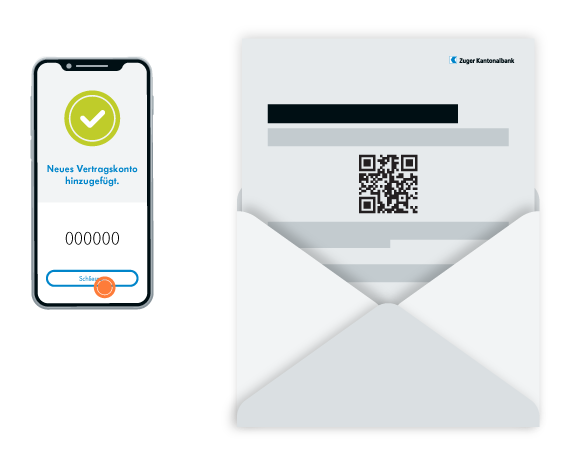
In the ZugerKB Access app, scan the QR code on your activation letter, which you received from us by mail. To do this, use the QR scanner function in the ZugerKB Access app.
Our support team is available from Monday to Friday from 08:00 to 18:00.