

Zuger Kantonalbank relies on the ZugerKB Access app for secure e-banking logins. The app is based on technology developed by Swiss security company Futurae.
Set up E-Banking login
Requirements
- Installed and activated ZugerKB Access app
- Contract number and initial password
You don't have the ZugerKB Access app and / or password letter?
3
Log in to e-banking
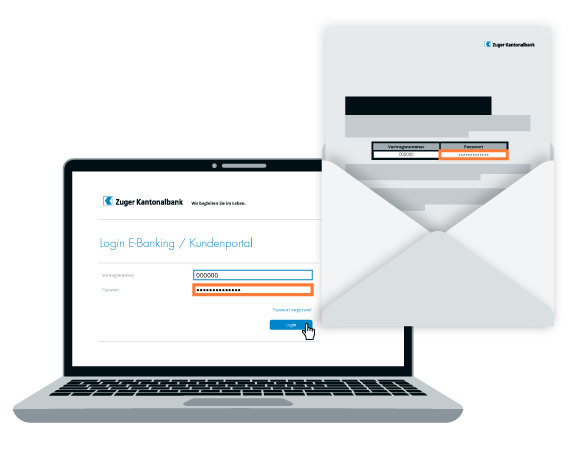
Log in to e-banking with your contract number and password. You will find the initial password and contract number in the personal password letter you received from Zuger Kantonalbank.
4
Confirm registration
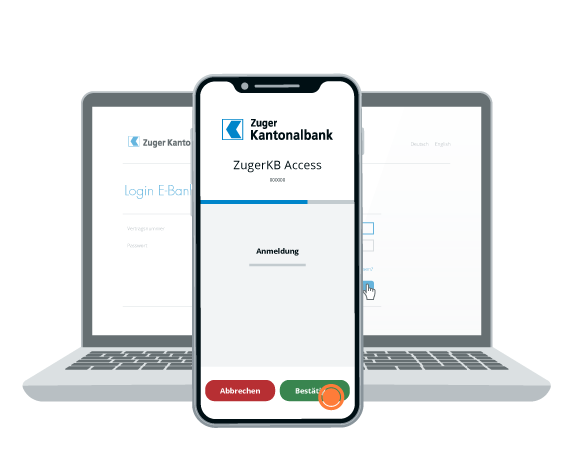
Please confirm your registration in the ZugerKB Access app on your smartphone.
5
Change password
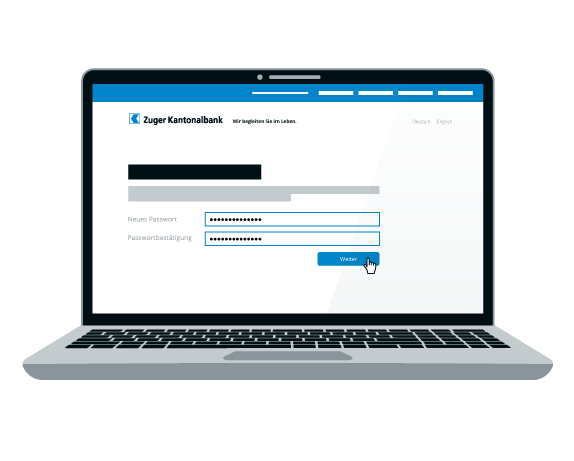
You must change your password when you log in for the first time. Replace the initial password with a personal password and click on “Continue.”
6
Setup complete
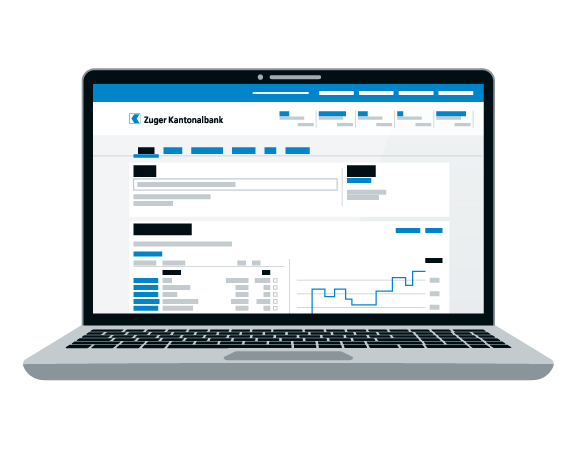
This completes the setup of the login procedure.
Always have your finances with you:
Do you need further support?
Our support team is available from Monday to Friday from 08:00 to 18:00.