Organize home page
You can select the accounts or features you want to see on your home page to customize it to your needs.
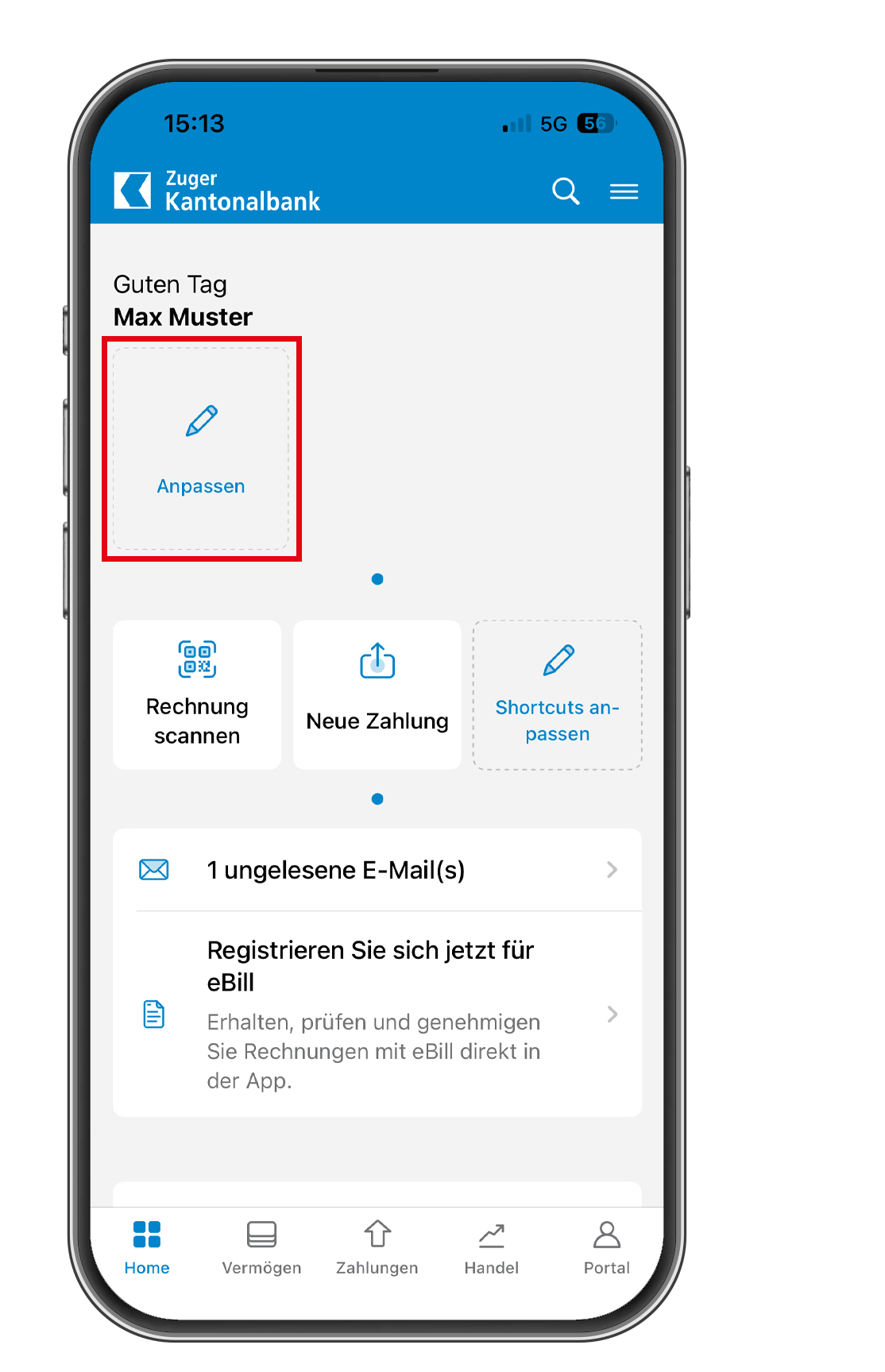
1
Tap “Customize”
Tap “Customize” to display your account overview.
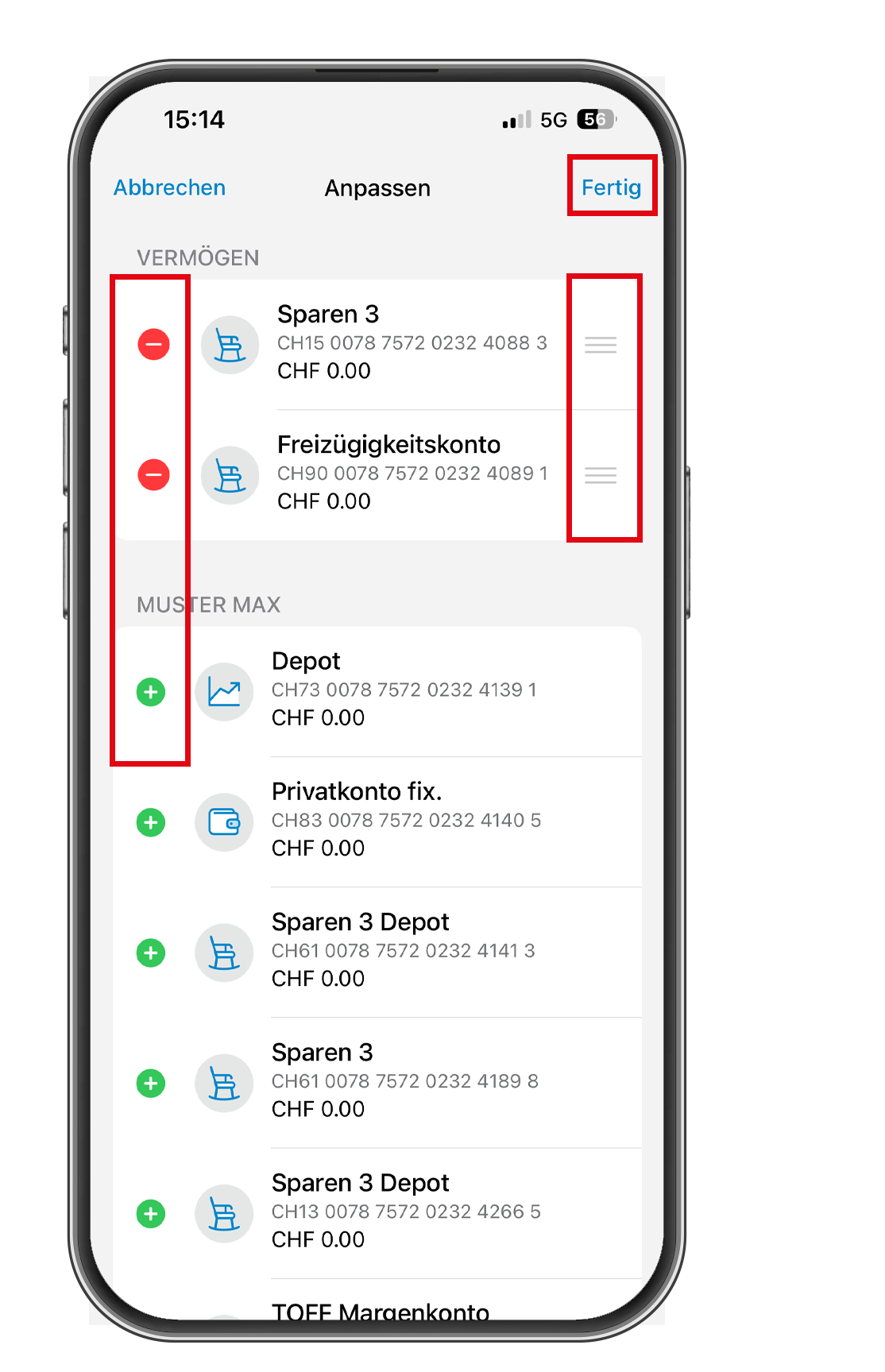
2
Select and sort accounts
Select which accounts you want to see on your home page and in what order.
Then click on “Done.”
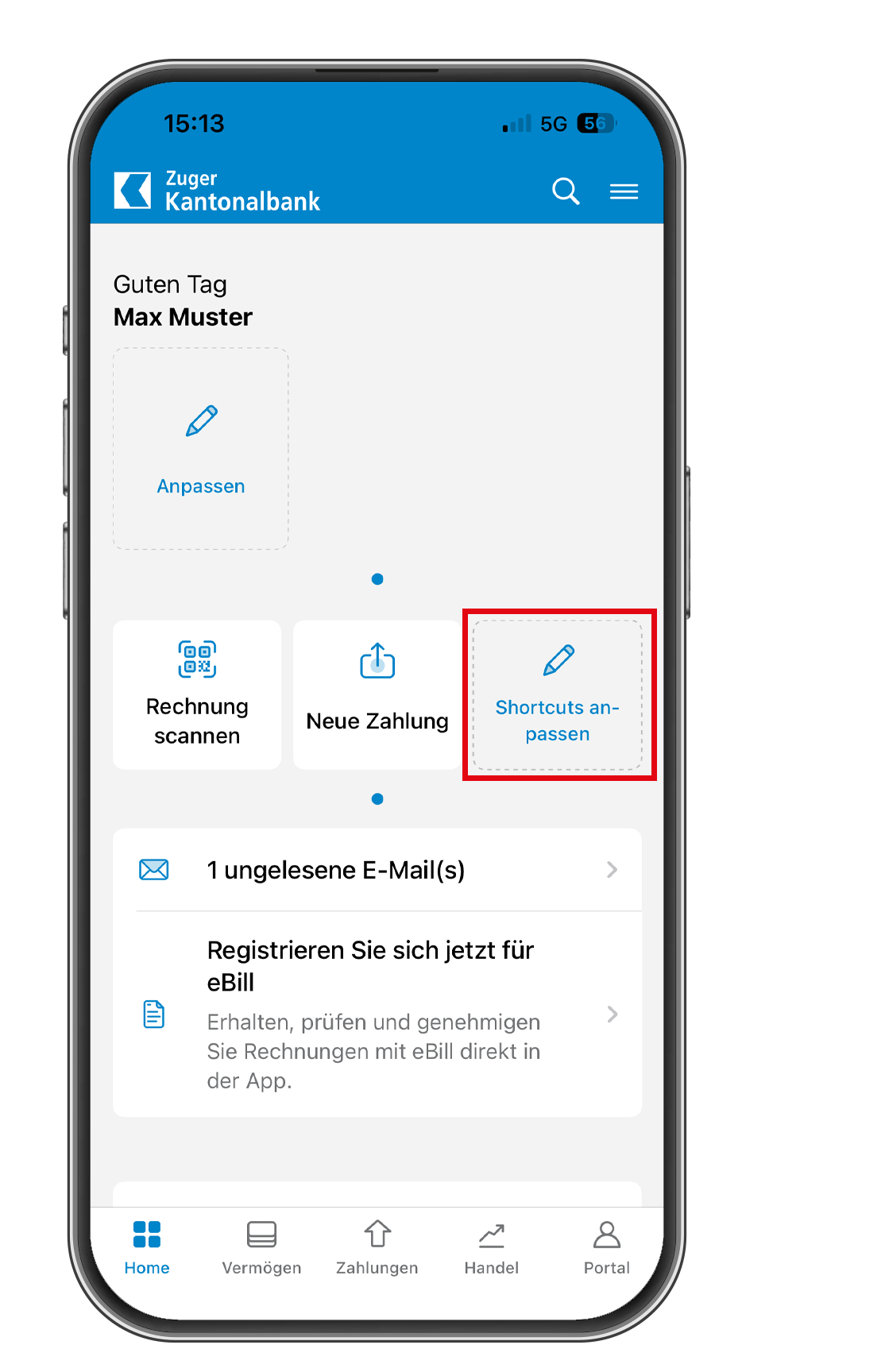
1
Tap “Customize Shortcuts”
Tap “Customize Shortcuts” to display the selection of different functions.
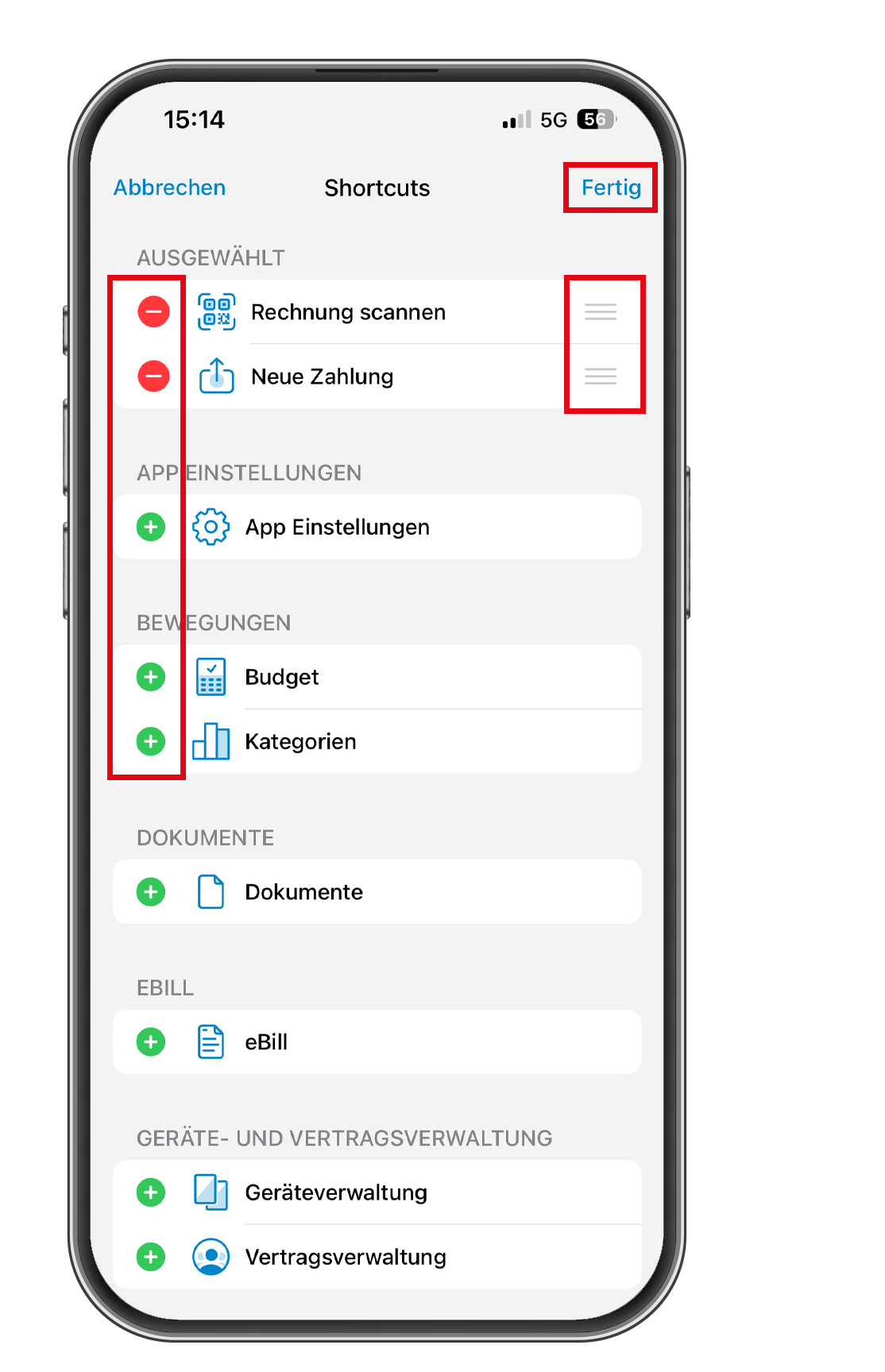
2
Select and sort functions
Select which functions you want to see on your start page and in what order.
Then click on “Done.”